

Start Here: Build a Hello Wallet Agent with Abstraxn
Before you ship an AI research agent or a trading bot, prove the wallet works. A five-minute smoke test for Agent Kit, MCP, and your LLM loop.
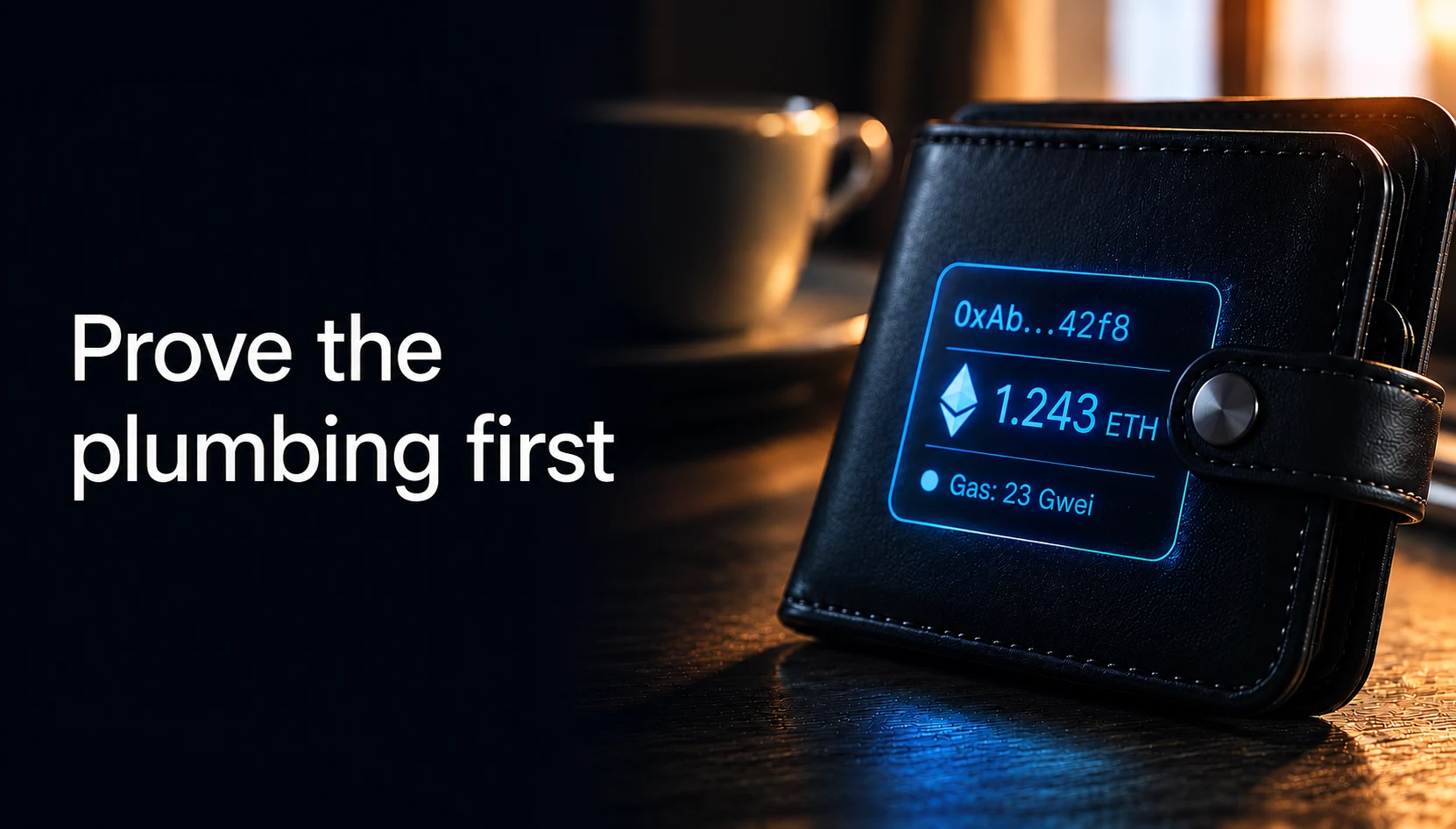
Hello Wallet: your first smoke test for AI agent infrastructure
This post proves the minimum ai agent infrastructure stack works: your agent gets a real wallet through Abstraxn WaaS and a bound MCP token before it can call any tool. Whether that agent becomes an AI research agent, a trading bot, or something else, Hello Wallet is read-only, takes about five minutes, and answers one question: does this agent have an address?
A note on where this sits: Hello Wallet is a prerequisite smoke test, not a numbered entry in the Four Powers Blueprint series. It only proves the Wallet plumbing; Identity, Payments, and Policy don't come into play until you're building an actual use case on top.
We shipped the Firecrawl example internally before we ran Hello Wallet. That was the wrong order, and we found out the hard way.
Someone cloned the repo, dropped in an API key, started the dev server, and asked the agent to scrape a page. The chat UI looked fine. The model replied confidently. Nothing happened on-chain because the agent never got a wallet, the MCP token was never bound, and the error was buried three layers deep in a terminal log nobody was watching. Forty-five minutes later we were still debugging env vars that would have been obvious if we'd asked a simpler question first: does this agent have an address?
Hello Wallet exists because of that afternoon. It is the boring example on purpose. No Firecrawl, no swap quotes, no transfer demos. Just: create an agent, bind MCP, call three read-only tools, and get a real 0x… back in the chat. If that works, your foundation is solid. Everything else in this series is a different lib/agent.ts on top of the same scaffold.
Key Takeaways
- Hello Wallet smoke-tests ai agent infrastructure before you add scraping, trading, or transfers.
- Agent Kit provisions a server wallet through Abstraxn WaaS; you bind MCP and call read-only tools:
get_wallet_address,get_balance,get_gas_info. - Read-only by design: no signing keys, no fund movement, about five minutes from clone to first real balance.
- Clone
examples/00-hello-wallet, paste two keys, ask for your balance. A real address means move on; no address means fix here first. - Same scaffold as every example in Build your Agent with Abstraxn; only
lib/agent.tschanges per use case.
What has to work before any ai agent infrastructure setup succeeds?
Answer: Agent Kit must provision a wallet, MCP must bind, your app must pass the token into the tool loop, and the model must return real tool output. Skip any step and the demo still looks fine while returning nothing useful.
When we say "agent infrastructure," people picture the interesting parts: scraping the web, quoting a swap, blocking a bad transfer. But underneath all of that is a chain of boring steps that has to succeed in order:
- Agent Kit provisions a server wallet through Abstraxn WaaS.
- You bind the agent and receive an MCP token.
- Your app passes that token into the tool loop.
- The model calls a tool and gets a real response back.
Skip a step and the demo still looks like it works. The UI renders. The model talks. You just don't get ground truth: no address, no balance, no scrape, no quote. Hello Wallet is designed to fail loudly on steps 1 to 4 so you never waste an afternoon on step 7.
| What you're checking | MCP tool |
|---|---|
| Did Agent Kit create a wallet? | get_wallet_address |
| Is the MCP token valid? | get_balance |
| Does the full loop run? | Both, plus the AI SDK stream |
We run this before every new example lands in the monorepo. It caught a wrong ABSTRAXN_USER_IDENTITY last week, a stale MCP bind the week before, and an OpenRouter key typo that would have made the Firecrawl post look like a model problem when it was env all along.
What happens on the first message?
Answer: The example bootstraps an agent and wallet once per session, wires MCP into the AI SDK loop, and the model should call wallet tools instead of inventing hex strings.
The first time someone sends a chat message, the example does real work, not on every refresh, just once per session until you persist credentials.
Your Next.js route calls bootstrapAgent(), which hits Agent Kit to createAgent with a server wallet via Abstraxn WaaS, then bindAgent to mint the MCP token. That token gets wired into the Vercel AI SDK loop. When the user asks for a balance, the model should call get_wallet_address and get_balance instead of inventing hex strings. We've all seen agents that hallucinate addresses that look valid. This example is how you prove yours doesn't.
Browser chat → Next.js /api/chat → Vercel AI SDK
                                 → bootstrapAgent() (Agent Kit)
                                 → MCP client (mcpToken)
                                 → get_wallet_address / get_balance / get_gas_info
Wallet keys never touch the browser. Abstraxn WaaS holds the server wallet; your route runs on Node and forwards the MCP token to tool calls. For local dev we cache the session in memory. For anything you'd ship, persist encrypted credentials in your database, not in a committed .env.
How can you verify setup without cloning the repo?
Answer: Copy the MCP URL and API key from the Abstraxn dashboard into any MCP client, create one agent from your backend with the Agent Kit SDK, and ask for your wallet address and balance on Base.
If you're evaluating Abstraxn before you clone anything, start with the demo at agent.abstraxn.com, which shows the kinds of agents you can build on Abstraxn.
To check your own setup, sign in at the Abstraxn dashboard, create an application, and open Agentic Stack, Overview. Copy the MCP URL and API key into Claude, Cursor, or whatever client you already use. Agents come from your backend: one createAgent() call with the Agent Kit SDK (dashboard setup guide). Then ask: What is my wallet address and native balance on Base?
You should see a tool call fire and on-chain data come back. No invented address, no "typically wallets look like…" filler. If that works, your account and MCP wiring are fine. The Next.js example is for when you want your own UI, your own prompts, and a repo your team can fork.
Docs if you need them: SDK quickstart · MCP tools reference
Which file do you actually edit?
Answer: examples/00-hello-wallet/lib/agent.ts defines the agent name, tool set, and system prompt. The chat route is shared boilerplate you rarely touch.
The monorepo is abstraxn-agent-examples. Every example shares the same packages (core, mcp, wallet, llm, ui). Hello Wallet is the thinnest slice: one chat page, one API route, and a single config file that defines behavior.
// examples/00-hello-wallet/lib/agent.ts
export const agentConfig = {
  name: "Hello Wallet Agent",
  tools: "helloWallet",
  system: `You help developers verify their Abstraxn Agent Kit setup.
When asked, call get_wallet_address and get_balance.
Explain results clearly. Do not invent addresses or balances.`,
};
Whether you're writing prompts for a wallet smoke test or an effective research agent handling information retrieval, the same rule holds: keep the system prompt narrow and tell the model exactly which tools it may call.
The tool allowlist lives in one place for the whole series:
// packages/mcp/src/index.ts
helloWallet: ["get_balance", "get_wallet_address", "get_gas_info"]
When we add a new use case, we don't rewire MCP from scratch. We add a tool set name and point agentConfig.tools at it. Firecrawl uses firecrawl. Trading uses trading. Same route, same bootstrap, different prompt.
The chat route is shared boilerplate. You shouldn't need to touch it for Hello Wallet:
// examples/00-hello-wallet/app/api/chat/route.ts
export async function POST(req: Request) {
  const { messages } = await req.json();
  const session = await getOrCreateSession({
    name: agentConfig.name,
    description: agentConfig.system.slice(0, 120),
  });
  const mcp = createMcpFromBootstrap(session);

  const result = await createAgentChat({
    mcp,
    config: {
      ...agentConfig,
      system: `${agentConfig.system}\n\nAgent wallet: ${session.evmAddress ?? "unknown"}`,
    },
    messages,
  });

  return result.toUIMessageStreamResponse();
}
Run it locally
git clone https://github.com/Abstraxn-Labs/abstraxn-agent-examples
cd abstraxn-agent-examples
pnpm install
cp .env.example .env
# ABSTRAXN_API_KEY (Dashboard → Agentic Stack)
# LLM_API_KEY (OpenAI, OpenRouter, Anthropic; see docs/LLM-PROVIDERS.md)

pnpm run build:packages
pnpm --filter @abstraxn-examples/hello-wallet dev
Open http://localhost:3000 and ask:
What is my wallet address and native balance?
Watch the terminal, not just the chat bubble. You want to see something like:
[abstraxn] Creating agent with server wallet
[abstraxn] Agent ready { agentId: '...', evmAddress: '0x...' }
If the chat returns a balance that matches a block explorer, you're done. Go pick the next example.
Reuse the same agent between restarts
By default, dev restarts mint a fresh agent every time. After your first successful run, copy the credentials from the logs into the repo root .env:
ABSTRAXN_AGENT_ID=
ABSTRAXN_MCP_TOKEN=
ABSTRAXN_EVM_ADDRESS=0x...
Restart the dev server and it picks up the existing agent. Handy when you're iterating on prompts and don't want a new wallet every save.
| Variable | First run | After that |
|---|---|---|
ABSTRAXN_API_KEY | Required | Required |
ABSTRAXN_USER_IDENTITY | Required | Required |
ABSTRAXN_AGENT_ID | Created for you | Paste to reuse |
ABSTRAXN_MCP_TOKEN | Created for you | Paste to reuse |
Hello Wallet does not need ABSTRAXN_ACCESS_KEY. That shows up in Trading and Fraud when you start signing transactions.
Where to go next
Once you have a real address and a balance that checks out:
- Hello Wallet (you are here)
- Web research + Firecrawl: scrape live pages, cite what you actually fetched
- Trading agent with spend policy: swap quotes under a daily cap
- Transaction monitoring: watch balances, gas, and tx status
- Policy-enforced fraud guard (coming soon): hard-block bad transfers, explain why
We open-sourced the scaffold so you can ship your own use case on top. If you build something worth sharing, link back to the series. We'd rather see a real app than another wrapper around the same demo.
FAQ
What does the Hello Wallet example do?
It smoke-tests Abstraxn Agent Kit by creating a server wallet through Abstraxn WaaS, binding an MCP token, and calling read-only tools: get_wallet_address, get_balance, and get_gas_info.
Do I need this before the other examples?
Recommended. If Hello Wallet works, your ABSTRAXN_API_KEY, LLM key, and MCP wiring are correct, then Firecrawl, Trading, and the rest are one filter command away.
Does this example move funds?
No. Hello Wallet is read-only. It never calls transfer or swap execution tools.
Can I verify my setup without cloning the repo?
Partly. Create an application in the Abstraxn dashboard and copy the MCP URL and API key from Agentic Stack, Overview into Claude or Cursor. Agents are created from your backend with the Agent Kit SDK, so you need one agent before the wallet tools return data. To see what agents built on Abstraxn can do without any setup, try the demo at agent.abstraxn.com. The Next.js example is for teams building a custom UI.
About the Author

Sandeep Jaiswal
Senior Software Engineer
Sandeep Jaiswal is a Senior Software Engineer at Abstraxn. He builds Agent Kit examples, integration tooling, and the open-source Build your Agent with Abstraxn series on MCP, wallets, and policy guardrails that teams can clone and ship.
More from Sandeep Jaiswal